

Your category is not a vanity label — it steers which searches can surface you. Getting the google business profile primary category right means picking the most specific option that describes your core business, then adding only a few honest secondary categories for real departments or service lines — not every keyword you wish you ranked for.
Google says categories help connect you with customers who search for your products or services, and that the categories you select affect local ranking. All locations of a multi-location brand must share the same primary category. Here’s how to choose, change, and avoid the mistakes that trigger re-verification or weak relevance.
Google Business Profile primary category: the rules that matter
- One primary category — the best overall description of what you do.
- Be specific when the list allows (e.g., “Nail salon” instead of only “Salon”).
- Up to 9 additional categories (Google’s edit-profile guidance) for meaningful departments/services — not one category per SKU.
- You can’t invent custom categories — choose from Google’s list; if nothing fits, pick a broader accurate option.
- Don’t use categories as keywords or to describe nearby businesses inside your space.
- Editing categories may require re-verification so Google can confirm accuracy.
If the profile isn’t claimed yet, finish claiming your Google Business Profile before you obsess over secondary categories.
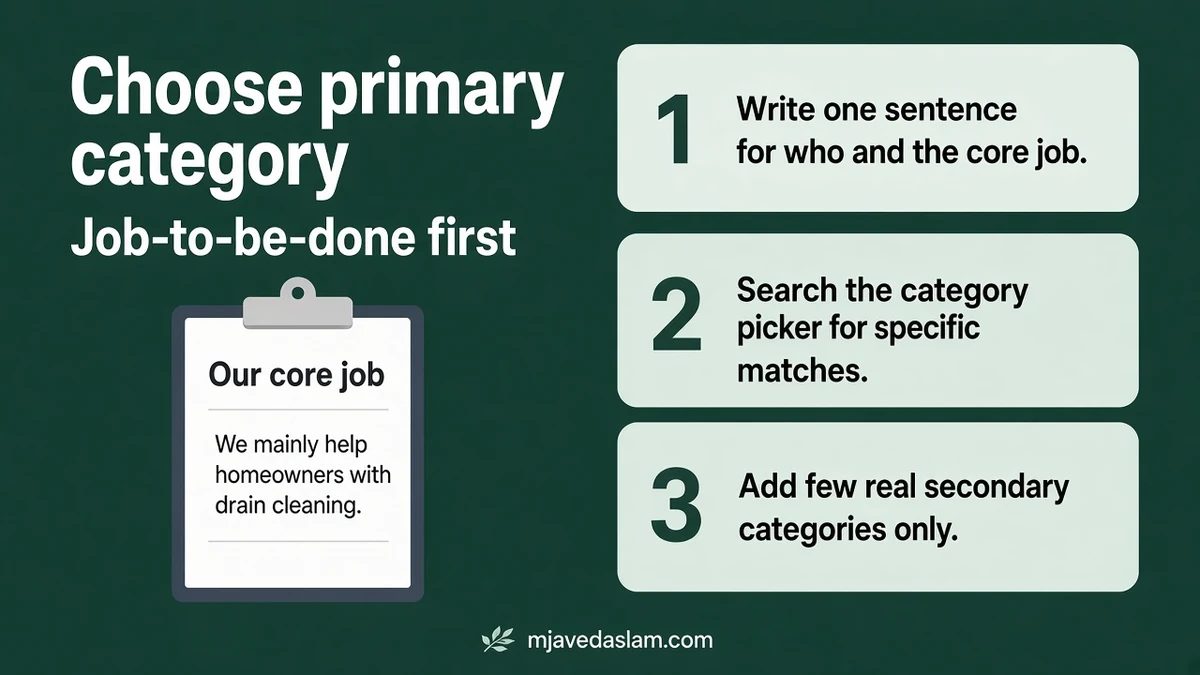
How to choose the right primary category
- Write one sentence: “We mainly help [who] with [core job].”
- Search the category picker for that job and scan specific matches first.
- Prefer the specific category that matches your real-world signage and website homepage.
- Check competitors in the Map Pack for your money search — not to copy blindly, but to see which categories Google already associates with that query.
- Confirm features you need — some categories unlock menus, booking buttons, hotel amenities, or services editors.
Example thinking:
- A shop that is 80% pizza dine-in → primary Pizza restaurant, not generic Restaurant alone.
- A plumber who also does a bit of handyman work → primary Plumber; don’t make Handyman primary unless that is truly the core brand.
- A dental practice focused on general dentistry → primary Dentist (or the most accurate dental category available), with specialty categories only if those services are real and substantial.
Representation guidelines also say to choose the fewest categories that describe your overall core business. More categories is not automatically more ranking.
How to change primary (and secondary) categories
From Google’s “Manage your business category” Help:
- Go to your Business Profile.
- Select Edit profile.
- Next to Business category, select Edit.
- In the Primary category box, enter and select a category from the list.
- To add another: Add another category → select from the list.
- To remove an additional category, use Remove beside it.
- Save. Be ready to verify again if Google asks.
On Maps/Search UIs the path may read like Edit profile → About → Business category. Labels vary slightly; the fields are the same idea.
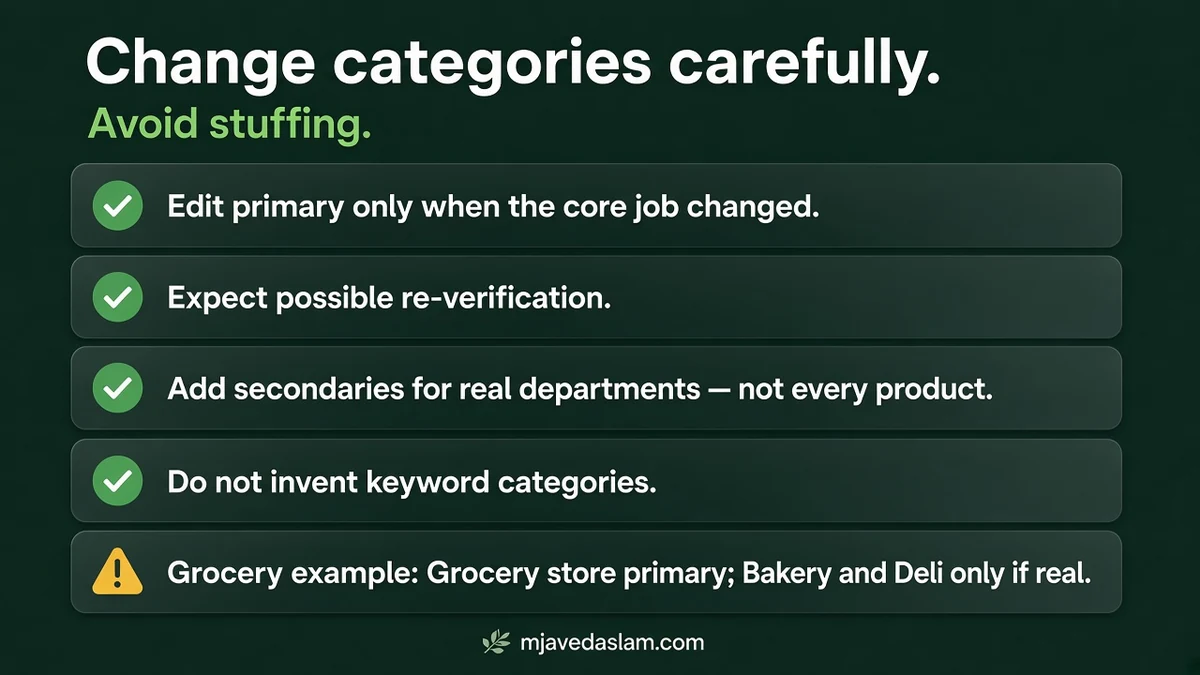
Secondary categories: when to add them (and when not to)
Google’s grocery example: primary Grocery store, then additional Bakery and Deli for real departments — not a category for every product on the shelf.
Good secondary uses
- True in-house departments customers recognize (pharmacy inside grocery).
- Substantial service lines you actively sell (HVAC company that also does indoor air quality as a named line).
- Category-specific features you legitimately need (e.g., restaurant tools when you are a restaurant).
Bad secondary uses
- Stuffing competitor categories you wish you ranked for.
- Adding “Cafe” because a tenant cafe operates inside your gym — that cafe needs its own profile.
- Listing every micro-service as a category instead of using the Services editor.
Put granular offerings in Services (where available) and in your website service pages. Categories describe the business type; services describe the menu of work.
Multi-location and chain consistency
Google’s edit guidance: all locations of a business must share a primary category. If your franchise or multi-location brand uses different primaries per city, fix that before you chase reviews. Secondary categories can still reflect local differences when truthful (for example a location that truly includes a bakery department).
One profile per business still applies — don’t create a second listing just to test another primary category. If you already duplicated yourself, see how to fix a duplicate Google Business Profile.
Category mistakes that hurt more than they help
- Primary mismatch: marketing wants “Marketing agency” while the real storefront is a print shop — Google and customers both get confused.
- Keyword categories: Help explicitly says not to use categories solely as keywords or to describe features.
- Neighbor categories: don’t pick categories that match a business inside yours or that you sit inside of.
- Constant flipping: thrashing primary categories can force re-verification and looks unstable.
- Ignoring the description and services: category choice works with — not instead of — a clear Business Profile description and accurate hours.
Category vs services vs attributes
Owners often overload the category field because other fields feel “optional.” Separate the jobs:
- Primary category = what kind of business you are for ranking and eligibility.
- Additional categories = other real business types or departments under the same brand.
- Services = the menu of jobs (install faucet, teeth whitening, tune-up) with optional prices/descriptions where the editor allows.
- Attributes / highlights = accessibility, payments, amenities — not substitutes for category.
- Description = prose that explains offer and proof without links or promo spam.
If Google shows category-specific features (menus for restaurants, booking for health/beauty, amenities for hotels), that is a clue you picked a category Google associates with those tools. Chasing a feature by picking an inaccurate category is a policy risk — earn the feature by being that business type.
For service businesses, keep the Services list current after seasonal changes. A primary of “HVAC contractor” with empty services and no emergency photo looks incomplete next to competitors who filled the editor.
After you save: align the rest of the presence
- Update website homepage H1/title so it matches the same core offer.
- Refresh service pages for the secondary themes you added.
- Check that LocalBusiness / organization schema doesn’t claim a conflicting type (see LocalBusiness schema in WordPress).
- Spot-check Map Pack queries for your primary job in an incognito window (results vary; treat as a sanity check).
- Complete photos and review replies — category alone won’t carry a thin profile.
For service-area businesses, category choice still matters, but address display rules are separate — see service-area Business Profile setup. Vertical playbooks: plumbers, HVAC, dentists.
When you’re unsure between two close primary options, pick the one that matches the search that pays the bills — then support secondary themes with services, photos, and site pages. Revisit categories after a real business-model change, not after every marketing brainstorm.
FAQ: Google Business Profile primary category
What is a Google Business Profile primary category?
It’s the main category that best describes your business overall. Google uses it (with other signals) to connect you to relevant local searches.
How many categories can I add?
One primary plus up to nine additional categories per Google’s edit-profile guidance. Prefer fewer accurate categories over stuffing.
How do I change my primary category?
Edit profile → Business category → edit the Primary category field → select from the list → Save. You may need to verify again.
Can I create my own category?
No. Choose from Google’s list. If a specific option isn’t available, pick a general category that still accurately describes the business.
Do categories affect local ranking?
Google states that the categories you select affect your local ranking on Google. They are one factor among others (relevance, distance, prominence).
Should every service be a category?
No. Use additional categories for meaningful departments or service lines, and list finer offerings in the Services editor and on your website.
Need a category + website pass together? Start from Google Business Profile help or local SEO.