Looking up localbusiness schema wordpress usually means you want Google to understand your NAP, hours and business type — without breaking the schema graph Yoast (or another SEO plugin) already outputs. The short answer: use one source of LocalBusiness/Organization markup, keep it identical to your visible contact details and Google Business Profile, validate with the Rich Results Test, and skip stacking three schema plugins “just in case.”
Google’s Local Business structured data documentation explains how JSON-LD can describe hours, departments, geo coordinates and more for local entities. It does not replace a complete Business Profile, and duplicate or conflicting markup helps no one. Here’s the clean WordPress approach I recommend for small businesses.
What LocalBusiness schema is for
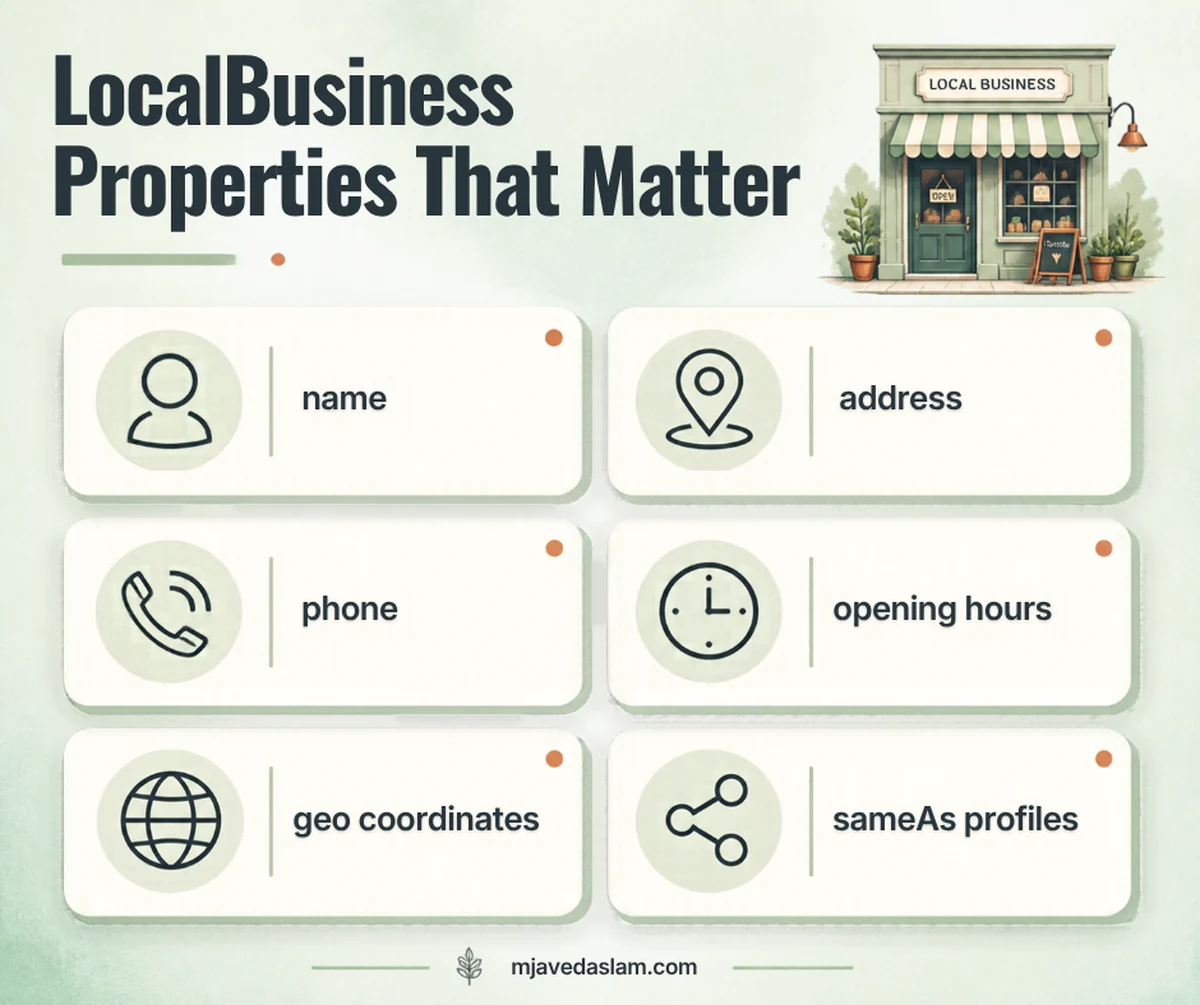
LocalBusiness (and more specific types like Restaurant, Dentist, Plumber — when accurate) is Schema.org vocabulary for a physical or local enterprise. In Google Search Central’s local business structured data guide, JSON-LD examples show properties such as name, address, telephone, openingHoursSpecification, geo, image and url.
Structured data helps machines interpret the page. It is not a substitute for:
- A verified Google Business Profile
- Consistent NAP on the visible website
- Useful local pages (see local SEO for plumbers or local SEO for HVAC)
The #1 WordPress rule: don’t duplicate LocalBusiness
Most sites running Yoast SEO already emit a Schema.org graph (Organization / WebSite / WebPage, and depending on settings/version, more specific local types). Rank Math, Schema Pro and “Local SEO” add-ons may output another LocalBusiness block. Themes sometimes inject a third.
Pick one owner for business entity markup.
- If Yoast’s Local SEO / organization settings cover name, logo, address, phone — use that and disable competing LocalBusiness output elsewhere.
- If you need a custom subtype or multi-location graph a plugin can’t express cleanly — have a developer maintain one JSON-LD template and turn off plugin LocalBusiness.
- Never paste a full LocalBusiness script into a text widget and leave Yoast generating the same entity with different phone numbers.
Conflicting telephone or address values between schema, footer and Maps are worse than sparse markup.
How to add LocalBusiness schema with Yoast (typical SMB path)
- Update Yoast SEO to a current version.
- Open Yoast SEO → Site representation / Organization settings (labels vary by version and whether Local SEO add-on is present).
- Set organization name to the real business name (match the Business Profile).
- Add logo, address, phone and sameAs profiles you actually control.
- If Yoast Local SEO (or equivalent) offers store locator / location features, enter locations carefully — one entry per real location.
- View page source on the homepage and contact page; confirm a single coherent graph, not two LocalBusiness nodes with different phones.
Yoast documents its schema graph approach on its schema feature pages. Because menus change between Free, Premium and Local SEO, follow the settings you see in-product rather than a screenshot from 2022.
Manual JSON-LD (when you need full control)
Use manual markup when the plugin graph can’t express your type cleanly — and only after disabling plugin LocalBusiness for those URLs. Simplified shape (replace every value; match the visible page):
{
  "@context": "https://schema.org",
  "@type": "LocalBusiness",
  "name": "Example Plumbing Co",
  "url": "https://www.example.com/",
  "telephone": "+1-555-555-0100",
  "address": {
    "@type": "PostalAddress",
    "streetAddress": "123 Main St",
    "addressLocality": "Austin",
    "addressRegion": "TX",
    "postalCode": "78701",
    "addressCountry": "US"
  },
  "openingHoursSpecification": [{
    "@type": "OpeningHoursSpecification",
    "dayOfWeek": ["Monday","Tuesday","Wednesday","Thursday","Friday"],
    "opens": "08:00",
    "closes": "17:00"
  }]
}
Prefer a more specific @type when it truly fits (Google’s examples often use types like Restaurant). Don’t mark a pure service-area business with a fake storefront address in schema — align with how the Business Profile represents you (service-area guide).
Validate and ship without drama
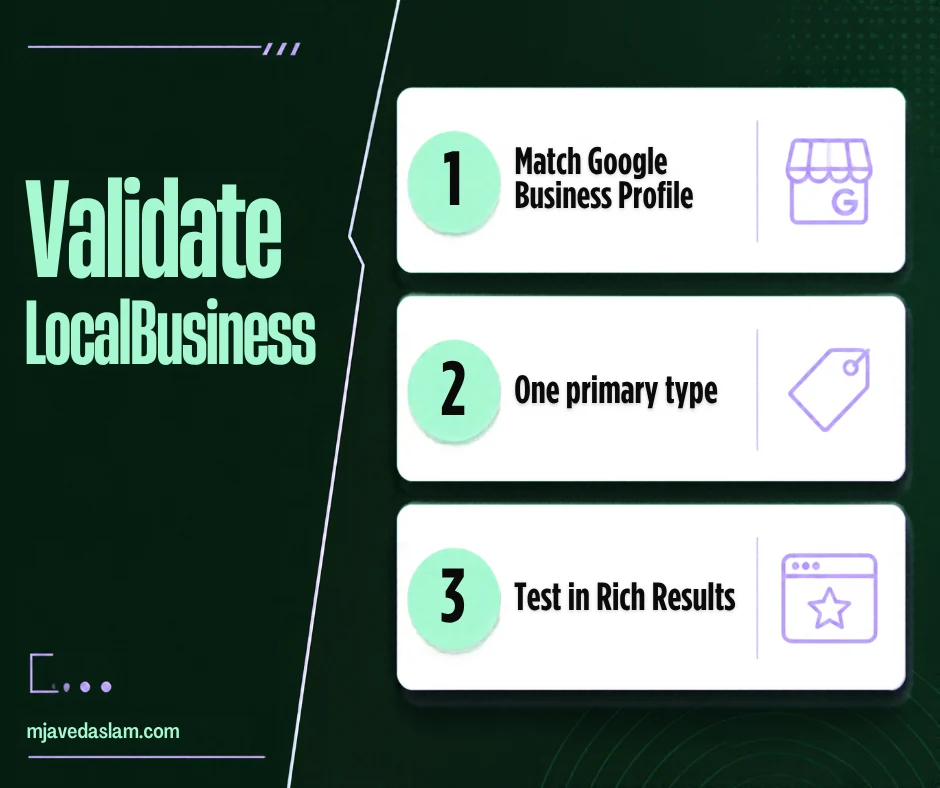
- Google’s guidance: add required properties, follow guidelines, validate with the Rich Results Test, fix critical errors.
- Use URL Inspection after deploy; allow time for recrawl.
- Keep a sitemap updated so Google discovers changes.
- Re-test after plugin updates — schema graphs break quietly.
Related technical hygiene: FAQ schema in WordPress (and remember FAQ rich results were retired in 2026). For hands-on SEO implementation help, see SEO services.
Multi-location and department tips
Google’s local business structured data docs discuss departments and more complex examples. On WordPress:
- One location → one clear entity on the homepage/contact page is usually enough.
- Multiple locations → dedicated location pages with markup that matches that page’s NAP; don’t dump every branch into the homepage graph incorrectly.
- Departments (e.g., service desk vs showroom) — only when they are real, eligible distinctions under Google’s representation guidelines.
What LocalBusiness schema will not do
- Guarantee a knowledge panel or Map Pack ranking
- Fix duplicate Business Profiles (use the duplicate profile guide)
- Replace reviews on Google
- Rescue thin city pages with identical boilerplate
Think of schema as clarity, not rocket fuel. Clarity plus a tidy profile and honest pages is the actual local SEO stack.
Align schema with the rest of your local stack
Whenever I audit a WordPress site for local search, schema is rarely the first fix — but it’s often the place duplicates hide. Work in this order:
- Claim and correct the Business Profile (categories, hours, services, service area).
- Make the website footer and contact page match that NAP exactly.
- Only then reconcile LocalBusiness/Organization JSON-LD so it repeats the same facts once.
- Add location or service pages that deserve to rank — markup won’t rescue thin city stubs.
If reviews are thin, fix the ask process (a simple Google review QR code helps) before obsessing over aggregateRating in JSON-LD. Self-serving review markup has strict rules; when in doubt, leave ratings to Google’s own review systems rather than inventing stars in schema.
Common LocalBusiness mistakes on WordPress
- Using
@type: LocalBusinesswith a keyword-stuffed name (“Best Austin Plumber 24/7 LLC SEO”) - Marking every blog post as a local business
- Copying a competitor’s JSON-LD example wholesale
- Leaving an old phone number in schema after a rebrand
- Adding fake geo coordinates “for ranking”
- Stacking FAQ + LocalBusiness + product schema plugins until the graph contradicts itself
Clean beats clever. If your source view shows one clear entity that matches the contact page, you’re ahead of most small-business sites.
For broader technical SEO on WordPress — beyond a single schema type — start from SEO services. Local visibility still leans hard on Maps; keep the profile accurate while your JSON-LD stays boring and correct.
If you’re comparing this to FAQ markup work, remember the jobs differ: LocalBusiness describes the company entity; FAQ markup describes Q&A on a page. Keep both sparse, accurate and non-duplicative — and don’t expect retired FAQ rich results to return.
FAQ: LocalBusiness schema in WordPress
Does Yoast add LocalBusiness schema automatically?
Yoast outputs a Schema.org graph that can include organization/local details depending on your settings and add-ons. Check page source and Yoast’s schema settings rather than assuming a second plugin is required.
Can I use a schema plugin together with Yoast?
Only if you disable overlapping LocalBusiness/Organization output so one tool owns the business entity. Duplicate graphs with conflicting NAP are a common self-inflicted wound.
Should service-area businesses include a street address in schema?
Match reality and your Business Profile representation. Don’t invent a public storefront address in JSON-LD if customers never visit that location.
Is LocalBusiness required for local SEO?
No. Many local signals come from the Business Profile, reviews, relevance and on-page clarity. Schema helps describe the business when implemented cleanly.
How do I test LocalBusiness markup?
Use Google’s Rich Results Test and URL Inspection. Fix critical errors; keep visible NAP and schema aligned.
What’s the difference between Organization and LocalBusiness?
Organization is a broader type; LocalBusiness (and subtypes) describe local enterprises with properties like opening hours and address. Use the most accurate type you can support with real data.