
If you’re searching for faq schema wordpress tips in 2026, start with the honest part: Google no longer shows FAQ rich results in Search (Google announced the FAQ rich result would stop appearing starting May 7, 2026, and later removed the FAQ rich-result documentation). You can still add FAQPage markup with Yoast or manual JSON-LD — but do it to organize real Q&A for readers, not to chase a blue dropdown in the SERP.
That doesn’t make FAQ sections useless. Clear questions and answers help customers, support AI-readable page structure, and keep your content tidy. What changed is the old “add FAQ schema → get FAQ rich results” playbook. Below I’ll show the Yoast path, a clean manual JSON-LD option, how to avoid duplicate markup, and how to validate without false expectations.
What FAQ schema is (and what it is not in 2026)
FAQPage is Schema.org structured data that marks a page as a list of questions and answers. In WordPress you’ll usually output it as JSON-LD in the page <head> or via a block that generates that script for you.
Historically, eligible FAQ markup could unlock FAQ rich results. In August 2023 Google sharply limited those rich results (mainly well-known government and health sites). In May 2026 Google went further: the FAQ rich result feature stopped appearing in Google Search, and the dedicated Search Central FAQ rich-result docs were removed. Google has also said unused structured data doesn’t hurt Search — it simply has no visible FAQ rich-result effect.
So your goal today:
- Do: Publish useful FAQs that match real customer questions.
- Do: Keep one clean markup source if you still output FAQPage JSON-LD.
- Don’t: Promise clients “FAQ stars/dropdowns” in Google results.
- Don’t: Stuff twenty thin Q&As on every page hoping for a ranking boost.
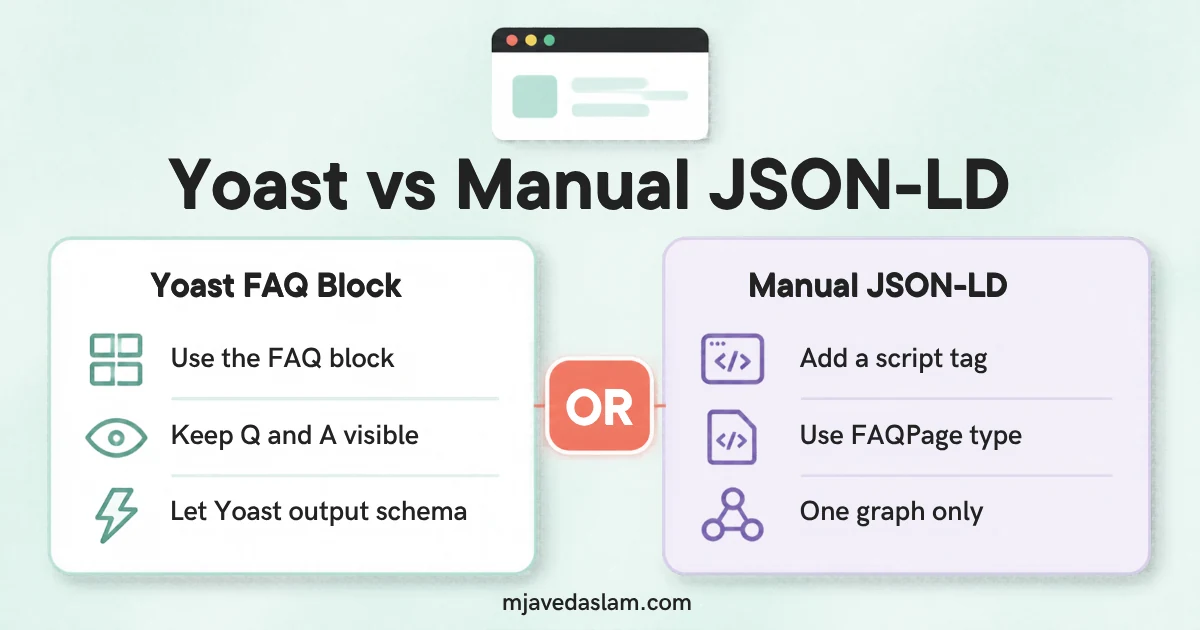
How to add FAQ schema in WordPress with Yoast
If you already run Yoast SEO (common on small-business WordPress sites, including stacks like mine), use Yoast’s FAQ block rather than stacking a second schema plugin on the same page.
- Edit the post or page in the block editor (Gutenberg).
- Add a heading such as “FAQ” or “Frequently asked questions” where the Q&A belongs.
- Insert the Yoast SEO FAQ block (search the block inserter for “FAQ”).
- Add each question and answer. Write answers people can use — short paragraphs, not keyword soup.
- Update/publish the page.
- View source or use Yoast’s schema tools / browser “View page source” and confirm a single
FAQPage(or FAQ-related) JSON-LD graph appears — Yoast’s exact graph shape can vary by version.
Yoast documents its Schema.org graph approach on its schema feature pages; UI labels move between free and Premium and across versions, so if the block name differs slightly, search your inserter for “Yoast” and “FAQ.” Prefer one FAQ system site-wide.
If Yoast is already outputting Organization/WebPage schema, that’s normal. The problem is duplicate FAQPage from Yoast plus another FAQ plugin plus hand-pasted JSON-LD on the same URL.
Manual JSON-LD FAQ schema (when you need full control)
Use manual markup when you’re not using Yoast’s FAQ block, or when a developer theme needs a fixed snippet. Paste only on pages that visibly show the same questions and answers — Google’s long-standing structured-data principle is that markup must match visible content.
Example shape (customize every field; do not copy fake Q&As into production):
{
  "@context": "https://schema.org",
  "@type": "FAQPage",
  "mainEntity": [{
    "@type": "Question",
    "name": "Do I still need FAQ schema in WordPress in 2026?",
    "acceptedAnswer": {
      "@type": "Answer",
      "text": "You can still mark up real FAQs for clarity, but Google no longer shows FAQ rich results in Search."
    }
  },{
    "@type": "Question",
    "name": "Should I use Yoast or manual JSON-LD?",
    "acceptedAnswer": {
      "@type": "Answer",
      "text": "Pick one method per page. Yoast’s FAQ block is simplest for most WordPress sites."
    }
  }]
}
How to add it safely:
- Use a small custom block, a well-maintained “insert headers/scripts” workflow, or theme template logic that outputs JSON-LD once.
- Escape content properly; invalid JSON breaks the script.
- Keep answers identical in meaning to the visible FAQ text.
- Validate JSON with a linter before publish.
For broader technical SEO help on WordPress sites (schema hygiene, cannibalization, Search Console), see my SEO services page.
Yoast vs manual vs extra plugins
| Approach | Best for | Watch-outs |
|---|---|---|
| Yoast FAQ block | Most SMB WordPress sites already on Yoast | Don’t also enable a second FAQ schema plugin on the same pages |
| Manual JSON-LD | Custom themes, developer control | Easy to drift from on-page text; easy to duplicate |
| Dedicated schema plugin | Sites without Yoast FAQ | Highest duplicate-markup risk if Yoast/Rank Math already output FAQ |
Related reading on this site: LocalBusiness schema in WordPress (same “one source of truth” idea) and AI Overviews vs featured snippets for how search appearances have shifted.
How to check your FAQ markup without chasing ghosts
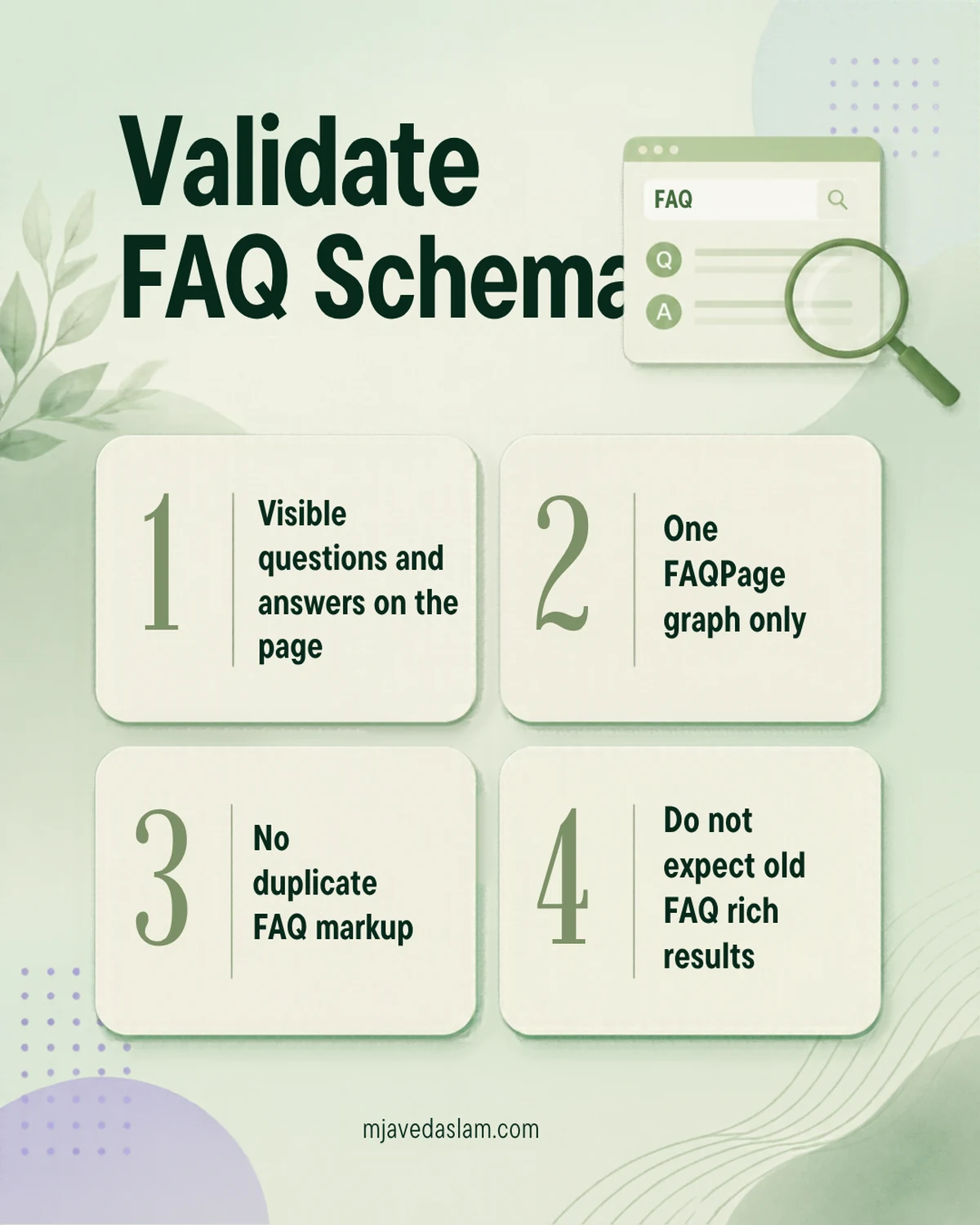
- Visible content first: Can a human see the questions and answers?
- View source: Search for
FAQPage. You want one coherent graph, not three competing scripts. - Rich Results Test / similar tools: Google’s testing tools evolve as features deprecate. A “FAQ not eligible” or missing FAQ rich-result preview in 2026 is expected for ordinary business sites — that is not automatically a broken page.
- Search Console: Older FAQ enhancement reports may fade or disappear after deprecation. Don’t panic-optimize for a report that no longer maps to a live appearance.
When FAQ sections still help small businesses
Use FAQs where buyers already ask the same things on sales calls:
- Service pages (“Do you serve [city]?”, “What’s included?”)
- Pricing or process pages
- Policy pages (warranties, response times) — stay accurate
Write answers like a human expert. Pair FAQs with strong titles and clear H2s. For local businesses, keep NAP and profile data consistent elsewhere — FAQ markup won’t fix a messy Google Business Profile.
If your priority is getting into AI-generated search answers rather than old rich-result types, start with helpful pages and entity clarity — I cover practical angles in how to show up in AI Overviews.
Common mistakes with FAQ schema on WordPress
- Adding FAQ JSON-LD that isn’t on the page
- Duplicate FAQPage from Yoast + another plugin
- Turning every H2 into a fake “question” stuffed with keywords
- Promising FAQ rich results in proposals after May 2026
- Ignoring the actual customer questions while obsessing over the script tag
Get the content right. Keep markup clean. Measure calls, form fills and engaged sessions — not a rich-result type Google retired.
FAQ: FAQ schema in WordPress
Does FAQ schema still work in Google in 2026?
FAQPage markup can still exist on your pages, but Google no longer shows FAQ rich results in Search (effective beginning May 7, 2026 per Google’s Search Central documentation updates). Don’t expect the old FAQ dropdown appearance.
How do I add FAQ schema with Yoast?
In the block editor, insert the Yoast SEO FAQ block, add visible questions and answers, and publish. Avoid a second FAQ schema plugin on the same URL.
Is manual JSON-LD better than Yoast?
Neither is “better” universally. Yoast is faster for most site owners. Manual JSON-LD fits custom development. Pick one method per page and keep answers matching the visible text.
Will FAQ schema help me rank higher?
Google does not treat unused or non-eligible rich-result markup as a magic ranking booster. Useful FAQ content can help users and clarity; stuffing schema will not replace solid pages and relevance.
Should I remove old FAQ schema?
Google previously noted you don’t need to proactively strip unused FAQ structured data. If it’s duplicate or mismatched to on-page content, clean it up. If it’s a single clean graph matching a real FAQ, leaving it is fine.
What’s the difference between FAQ schema and a regular FAQ section?
The FAQ section is the visible content. FAQ schema is machine-readable markup describing that content. You need the visible section either way; markup without visible Q&A is poor practice.