
Yoast SEO breadcrumbs settings control the trail that shows where a page sits in your site hierarchy (Home → Category → Post) and help search engines understand that structure. Yoast can output breadcrumbs for users and include BreadcrumbList-style structured data so Google may show breadcrumb paths in results instead of a raw URL — when Google chooses to.
This guide is only breadcrumbs in Yoast on WordPress. It is not the XML sitemap settings, robots.txt edits, Core Web Vitals fixes, or LocalBusiness schema how-tos — those remain separate so “breadcrumbs” stays the focus.
Technical SEO help: SEO services.
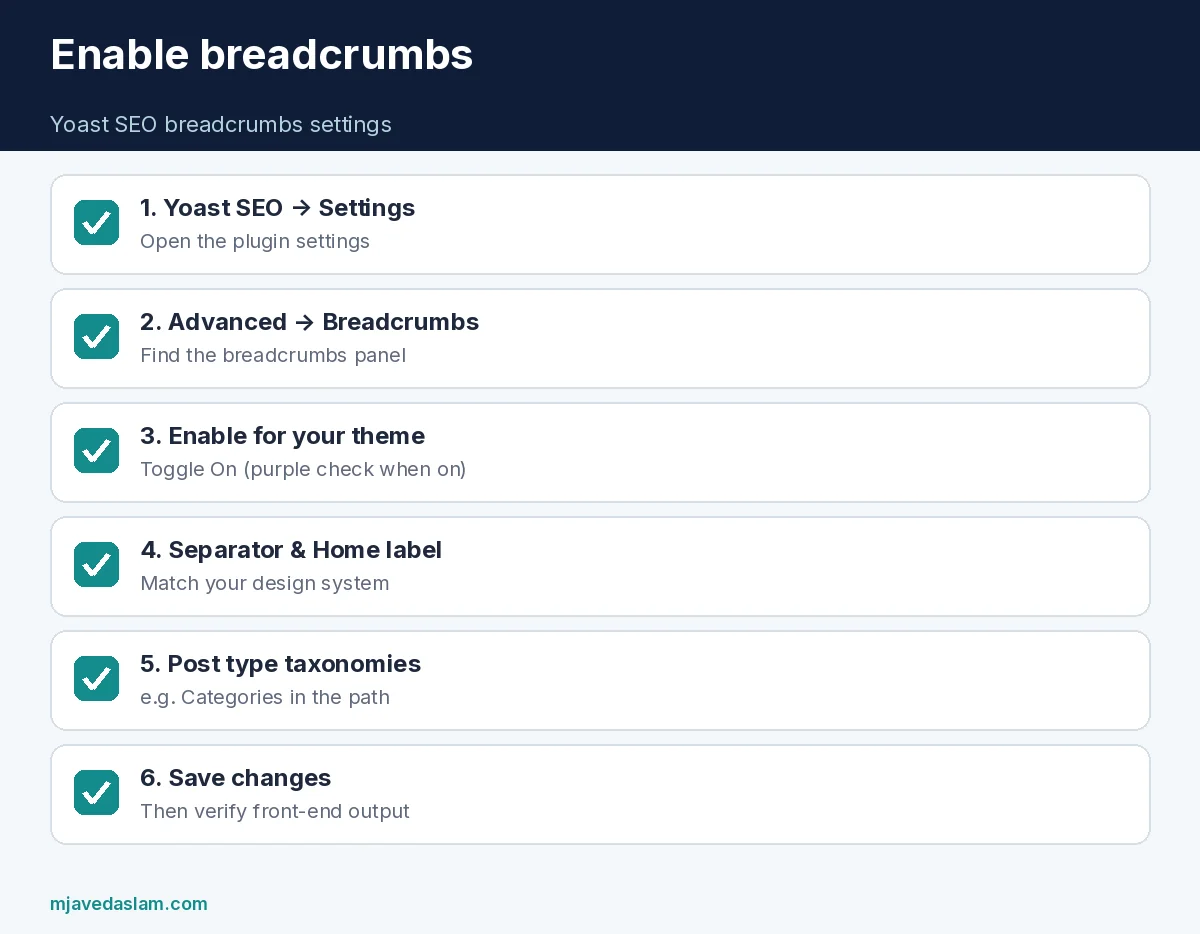
Yoast SEO breadcrumbs settings — enable in 5 steps
- In WordPress admin, open Yoast SEO → Settings.
- Go to Advanced.
- Open Breadcrumbs.
- Switch Enable breadcrumbs for your theme to On (Yoast Help describes a purple checkmark when enabled).
- Set separator, homepage label, optional prefix, and taxonomy choices for posts — then Save changes.
Enabling the setting alone is not always enough: your theme must display the breadcrumbs. Yoast documents theme support, a breadcrumbs block for single posts/pages, and shortcode options for the block and classic editors. If the trail never appears on the front end, the theme is usually not calling Yoast’s breadcrumb output yet.
What to configure on the settings screen
Per Yoast’s breadcrumbs settings Help:
- Separator between crumb links (», /, › — pick one and stay consistent with the design system).
- Homepage label in the path (often “Home”).
- Prefix anchor text before the homepage crumb if you want one.
- Breadcrumbs for post types — which taxonomy appears (e.g., show Categories so posts read Home → Category → Post).
- Breadcrumbs for taxonomies — how archive paths behave when you use multiple content types.
UI labels can shift slightly between Yoast versions; if you cannot find Breadcrumbs, search the Yoast settings screen for “Breadcrumb” or check Advanced again after updating the plugin.
Showing breadcrumbs on the site
Yoast’s implement Help covers several paths:
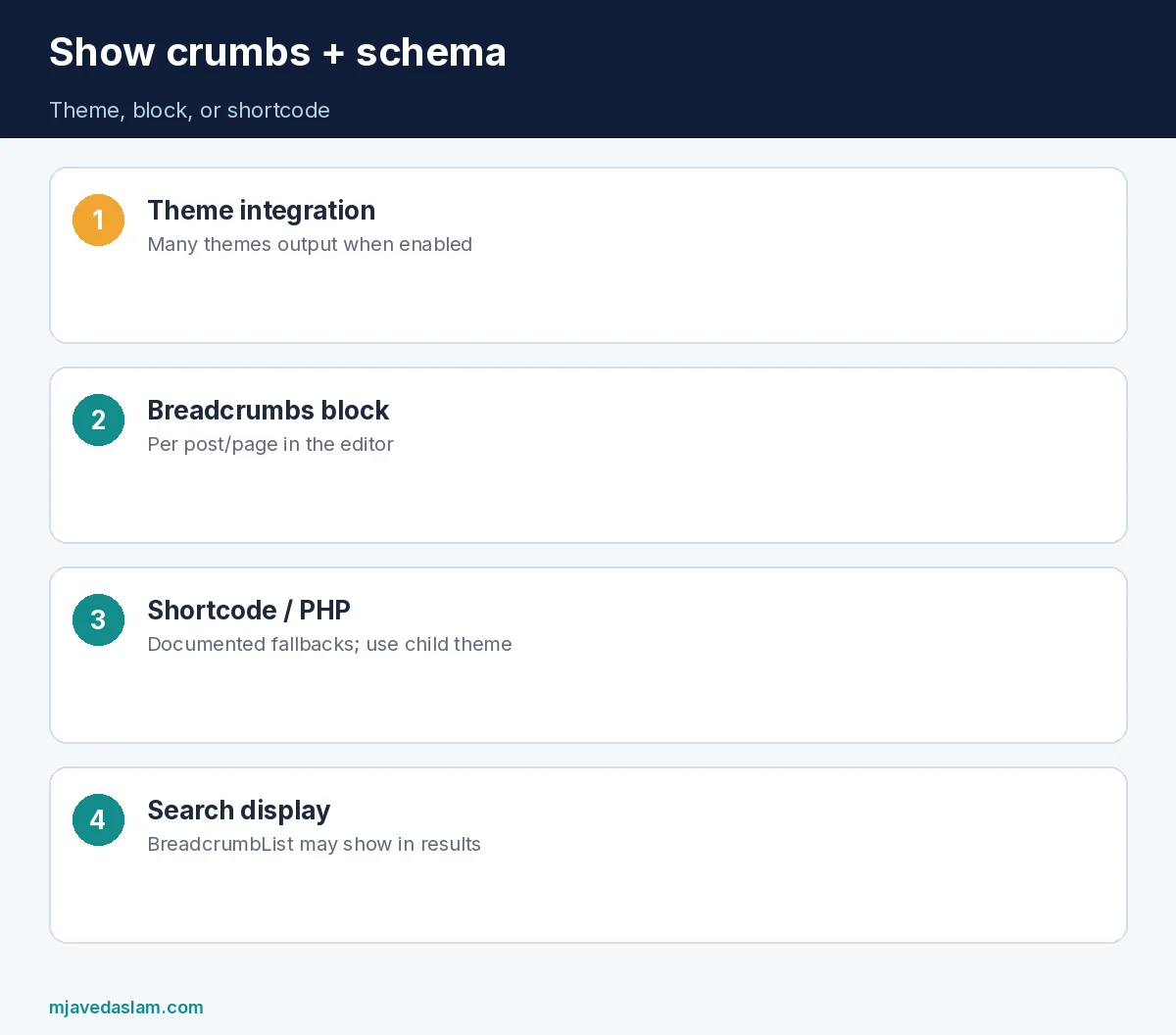
- Theme support: many modern themes already integrate Yoast breadcrumbs when the toggle is on.
- Breadcrumbs block: add the Yoast breadcrumbs block in the editor for an individual post or page (visible on that singular view).
- Shortcode: Yoast documents shortcode insertion for block and classic editors when you need manual placement.
- Theme / PHP: older themes may need
yoast_breadcrumb()(or documented equivalents) in a template — prefer a child theme so updates do not wipe edits. Yoast notes manual theme edits can be overwritten; ask the theme developer for a permanent integration when possible.
After enabling, view a post and a nested page on mobile and desktop. Crumbs should be readable, not colliding with sticky headers.
Breadcrumbs and search results
Google’s breadcrumb structured-data documentation explains how BreadcrumbList markup can replace a raw URL path in results with a clearer trail. Yoast’s Help likewise notes breadcrumbs can appear in Google and improve understanding of site structure. Neither Yoast nor Google guarantees every result will show breadcrumbs — treat them as helpful markup and UX, not a ranking cheat code.
Pair breadcrumbs with a clean sitemap — Yoast XML sitemap settings — and avoid blocking CSS/JS in robots — robots.txt with Yoast. Site speed still matters for UX: Core Web Vitals.
Information architecture tips for service sites
- Keep category names human (“Local SEO,” “Google Ads”) — they become visible crumbs.
- Avoid orphan pages with no logical parent; crumbs expose messy IA.
- For service pages, a path like Home → Services → Local SEO is clearer than Home → Uncategorized → Post.
- Do not stuff keywords into every crumb label; clarity beats “Best Cheap SEO Karachi 2026” as a category name.
Common mistakes
- Enabling the toggle but never outputting breadcrumbs in the theme.
- Changing separators every month — looks unfinished.
- Using “Uncategorized” as the only post taxonomy in crumbs.
- Hiding crumbs with CSS while leaving broken structured data — fix display properly.
- Editing parent theme files without a child theme.
- Expecting breadcrumbs alone to fix thin content or duplicate titles.
Yoast SEO breadcrumbs settings work best when categories and page hierarchy already make sense. Fix the sitemap of content first; then turn on the trail.
Agencies: document the chosen separator and homepage label in the brand style guide so every site in a portfolio does not invent a new crumb style. After major Yoast or theme updates, re-check one post and one service page for regressions.
If you use a page builder, confirm the builder template includes the Yoast block or theme breadcrumb region — full-width builder templates sometimes omit the theme header where crumbs normally live.
For multilingual setups, verify each language shows localized Home labels and that hreflang pages do not inherit the wrong parent crumb. Test with a real user account, not only the customizer preview.
When you redesign, keep breadcrumb contrast accessible (readable on both light and dark headers). Pretty crumbs that fail contrast checks help neither users nor trust.
Verify breadcrumbs like a QA pass
After you save Yoast SEO breadcrumbs settings, open three URLs: the homepage, a category archive, and a single post. Confirm the trail matches the real hierarchy and that middle crumbs are clickable. In Google’s Rich Results Test or the page source, confirm BreadcrumbList (or Yoast’s graph output) appears without obvious errors — Google’s breadcrumb developer docs are the schema reference.
If crumbs show “Uncategorized,” assign real categories before blaming the plugin. If crumbs duplicate the H1 awkwardly under a hero, adjust theme CSS spacing rather than disabling structured data.
Broken internal links inside crumbs (renamed categories, deleted parents) should be fixed in WordPress — breadcrumbs will expose them to users immediately: fix broken links.
When not to obsess over breadcrumbs
A one-page brochure site gains little from elaborate crumb taxonomies. A large service site with blogs, locations, and nested services gains a lot. Spend time on Yoast SEO breadcrumbs settings proportional to site depth. Shallow sites should still enable clean crumbs if the theme supports them; deep sites should treat crumb IA as part of the content model.
LocalBusiness schema on location pages remains a separate project — LocalBusiness schema — do not confuse breadcrumb trails with local entity markup.
Keep a screenshot of your Yoast SEO breadcrumbs settings after each major plugin update. If a release renames Advanced menus, the screenshot plus this checklist gets you back to the same separator and taxonomy choices without guessing.
Finally, train content editors: when they create a new category, they are also creating a public breadcrumb label. Short, accurate category names protect both UX and how paths may appear in search.
If your theme vendor claims “Yoast compatible,” still complete the Yoast SEO breadcrumbs settings enable step yourself — compatibility often means the theme can print crumbs after you turn the feature on, not that it is on by default.
FAQ: Yoast SEO breadcrumbs settings
Where are Yoast SEO breadcrumbs settings?
Yoast SEO → Settings → Advanced → Breadcrumbs. Enable the toggle, configure appearance, then save.
Why don’t breadcrumbs show after I enable them?
The theme must output them. Use a theme with Yoast support, add the breadcrumbs block/shortcode, or integrate via documented theme/PHP methods (prefer a child theme).
Do breadcrumbs help SEO rankings?
They help navigation and can support how Google displays paths via structured data. They are not a guaranteed ranking boost by themselves.
Can I change the separator?
Yes — in Breadcrumbs settings under Advanced. Yoast also documents a filter for advanced customization in a child theme.
Is this the same as the XML sitemap?
No. Sitemaps list URLs for crawling; breadcrumbs show hierarchy to users and as optional rich path display.
Do I need Yoast Premium for breadcrumbs?
Yoast documents breadcrumbs functionality in its Help center for the plugin’s breadcrumbs feature; follow the current product docs for your plan. The settings path above is the standard enable flow described in Yoast Help.
Dial in Yoast SEO breadcrumbs settings once, verify front-end output, then leave them stable while you improve content and internal links.