Search Console flashing “Core Web Vitals assessment: Failed” usually means real users on phones wait too long for the main image, tap and get nothing for a beat, or watch the layout jump. This guide shows how to fix core web vitals on wordpress for small business sites — LCP, INP, and CLS — with a practical checklist, not an enterprise CDN lecture.
Thresholds below come from web.dev / Google Search Central. Improving vitals helps page experience; it is not a guaranteed ranking leap by itself. Pair speed work with clear pages and SEO fundamentals.
How to fix Core Web Vitals on WordPress (quick answer)
- Confirm the failure in Search Console → Experience → Core Web Vitals (field data, mobile vs desktop).
- Reproduce one failing URL in PageSpeed Insights / Chrome UX Report context so you see LCP element, long tasks, and layout shifts.
- Fix the biggest offender first: usually a heavy hero image (LCP), a chat/script storm (INP), or ads/fonts without dimensions (CLS).
- Re-check CrUX / PSI after enough traffic; lab-only greens can still fail field reports.
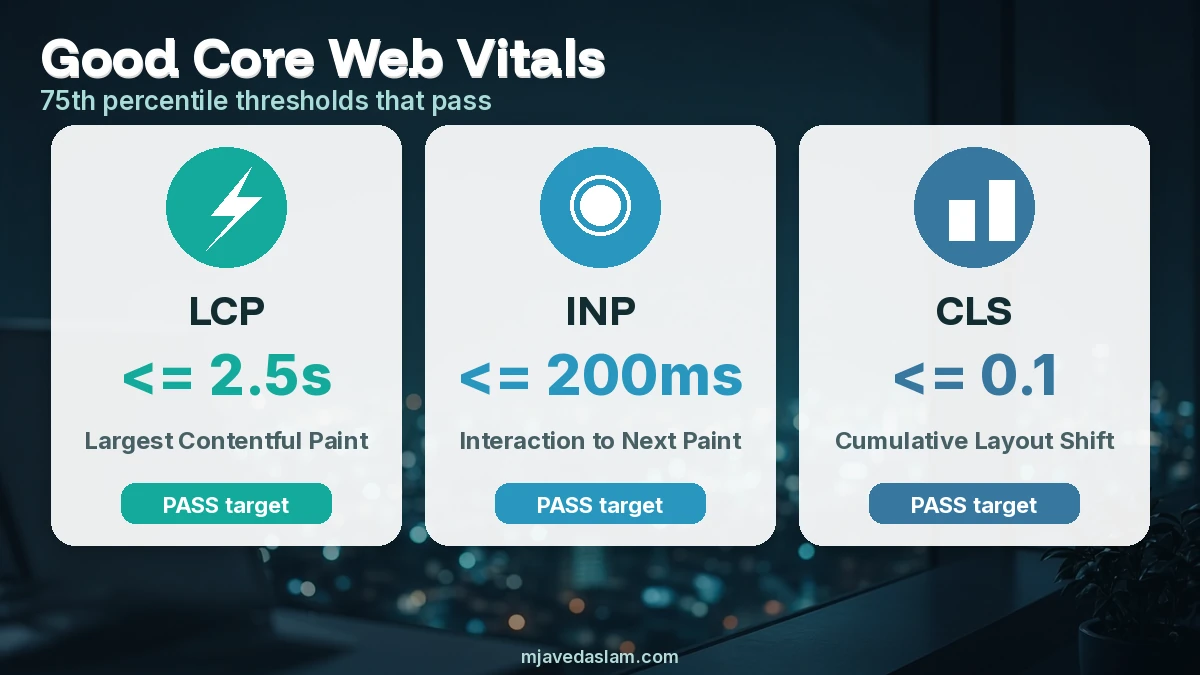
Good targets at the 75th percentile of page loads: LCP ≤ 2.5s, INP ≤ 200ms, CLS ≤ 0.1.
What each metric means on a typical WordPress site
LCP — Largest Contentful Paint
Loading performance: when the largest visible content (often the hero image, H1 block, or featured image) finishes painting. On WordPress, common LCP culprits are oversized hero PNGs, lazy-loading the LCP image by mistake, slow hosting TTFB, render-blocking CSS/JS from page builders, and WebP conversion never applied.
INP — Interaction to Next Paint
Responsiveness: how long until the next paint after a click, tap, or key press. Heavy third-party scripts (chat widgets, tag managers, sliders), main-thread work from builders, and unoptimized jQuery plugins often push INP past 200ms on mobile.
CLS — Cumulative Layout Shift
Visual stability: unexpected jumps as images, embeds, cookie banners, or late fonts load. Missing width/height (or aspect-ratio), ads injected above content, and late-loading web fonts without font-display strategy are classic WordPress CLS traps.
WordPress checklist: fix LCP first
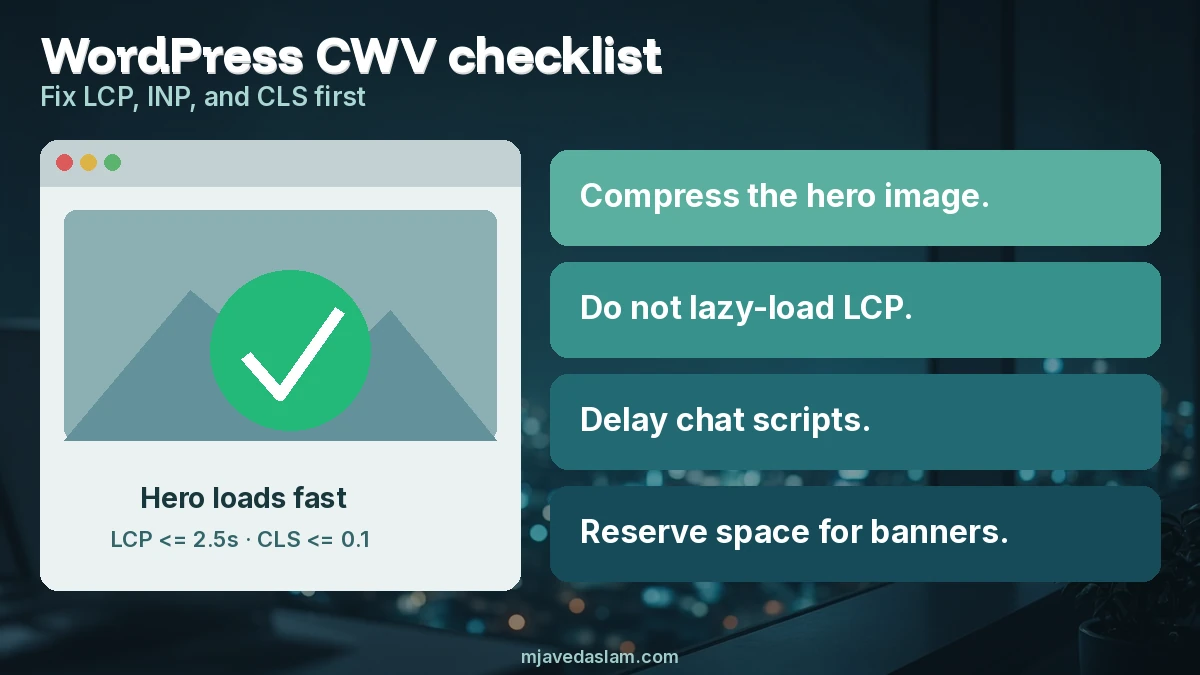
- Compress and resize the LCP image — export WebP/AVIF where supported; serve ~1×–2× display size, not a 4000px camera original.
- Don’t lazy-load the LCP image — first-screen hero should load eagerly; lazy-load below-the-fold media only.
- Preload the LCP image when themes allow (
fetchpriority="high"/ preload link) without double-fetching. - Cut render-blocking CSS/JS — delay non-critical builder scripts; avoid loading every plugin’s CSS on every page.
- Improve TTFB — decent hosting, object/page cache, avoid cold PHP on every hit for anonymous visitors.
- Reduce hero weight — one strong image beats a five-slide carousel for LCP and for conversions.
If the LCP element is a giant background video or slider, simplify the above-the-fold design before buying another “speed” plugin.
WordPress checklist: fix INP
- Audit third parties in PSI “diagnostics” — chat, heatmaps, A/B tools, heavy analytics. Load chat on interaction or after idle.
- Defer non-critical JavaScript; avoid stacking three page-builder animation libraries on mobile.
- Remove unused plugins that enqueue scripts sitewide.
- Prefer lightweight themes or a trimmed builder setup for service pages that must convert.
- Watch long tasks on mid-range Android — lab desktop scores hide phone pain.
Conversion tracking still matters; implement it cleanly rather than dropping five tags. See Ads conversion tracking on WordPress.
WordPress checklist: fix CLS
- Always set width/height or CSS aspect-ratio on images and iframes.
- Reserve space for cookie banners and sticky headers so they don’t shove content.
- Use
font-display: swap(or optional) and limit font families/weights. - Avoid inserting ads or embeds above existing content without reserved slots.
- Stabilize page-builder sections that load late (icon packs, animated counters).
Tools that match what Google uses
- Search Console Core Web Vitals report — field (CrUX) status by URL group.
- PageSpeed Insights — field when available + lab hints for the LCP node and shift sources.
- Chrome DevTools Performance / Experience — confirm layout shifts and long tasks on a real device throttle.
Field data needs enough Chrome traffic; brand-new sites may only see lab numbers until CrUX fills in. Don’t declare victory from a single lab score of 100.
A sane order of work for small sites
- Backup, then fix hosting/cache basics so TTFB isn’t absurd.
- Replace the homepage and top landing-page heroes with compressed WebP and correct dimensions.
- Strip or delay chat + unused scripts; re-test INP.
- Lock CLS (dimensions, fonts, banner space).
- Re-check Search Console over the next CrUX window; iterate on remaining URL groups.
Schema and FAQ markup don’t replace speed work — keep them accurate when you use them (FAQ schema, LocalBusiness schema). Local pages still need useful content for Map Pack and organic — local SEO.
Page builders deserve a special note. They are fine for many SMBs, but every unused widget pack you leave enabled can enqueue CSS and JS on service pages that never use those widgets. Audit enqueues with a query-monitor-style plugin in staging, or simply deactivate “nice to have” animation packs and re-measure LCP/INP. A plain Gutenberg or lightly built page often beats a 40-module template for Core Web Vitals.
Hosting still matters. Shared plans that throttle CPU turn every cache miss into a multi-second LCP. Before rewriting themes, confirm Time to First Byte under load. Object cache (Redis/Memcached where available), a page cache for logged-out users, and HTTPS with HTTP/2 or HTTP/3 from a competent host remove friction no image plugin can invent.
When you change themes or major builders, re-check CLS — new header heights and font stacks frequently reopen shift issues you thought you closed. Treat Core Web Vitals as ongoing maintenance tied to design changes, not a one-time badge.
CDN use is optional for many single-region small sites. A nearby origin with solid caching often beats a misconfigured CDN that still pulls huge originals. If you add a CDN, purge after theme or hero changes so visitors don’t keep the old 3 MB PNG. Same rule for image CDNs: point them at correctly sized sources, not full-resolution media libraries.
Measure before/after with the same URL set Search Console groups care about — templates for blog posts, product pages, and key service landers. Fixing only the homepage while category archives fail still leaves the assessment red for those groups.
Finally, don’t confuse “optimize images” checkboxes with accessibility and accuracy. Alt text, captions, and honest product photos still matter for users and SEO; compression should not crush text in screenshots you need people to read.
FAQ: Core Web Vitals on WordPress
What are good Core Web Vitals scores?
At the 75th percentile: LCP within 2.5 seconds, INP at 200 milliseconds or less, CLS at 0.1 or less.
Why does Search Console say Failed when PageSpeed looks fine?
Search Console uses field (CrUX) data across real users; PSI lab runs can look greener than phones on slow networks. Fix real-user pain, then wait for CrUX to refresh.
Which WordPress plugin fixes Core Web Vitals?
No single plugin guarantees a pass. Caching, image optimization, and script delay help — but theme bloat and third-party tags often need manual cleanup.
Does Core Web Vitals affect rankings?
Google treats page experience signals (including Core Web Vitals) as part of systems that reward helpful pages. Vitals alone won’t outrank a weak page; ignore them and you still risk poor UX and a Failed assessment.
Should I fix mobile or desktop first?
Usually mobile — most local businesses fail mobile first, and that’s where small phones expose LCP/INP issues.
How long until the Failed status clears?
After fixes, CrUX needs enough fresh traffic; expect days to weeks depending on visit volume, not an overnight flip from one lab retest.
Need a broader technical SEO pass beyond vitals? Start from SEO services.