Learning how to use Twitter Lists for marketing (on today’s X) means building curated timelines of accounts — competitors, journalists, customers, partners — so you listen and engage without drowning in the main For You feed. Lists can be private for research or public when you want to share a resource. This is a listening and organization tactic, not a spray-and-pray growth hack.
This guide stays on Lists only. It is not tweet scheduling, pinning, free scheduler roundups, or X Analytics dashboards — those are separate posts so List strategy keeps its own search footprint.
Broader marketing help: services.
How to use Twitter Lists for marketing — quick start
- Open Lists on X (web entry point includes x.com/i/lists) while signed in.
- Create a List with a clear name (“Local HVAC reporters,” “Competitor support handles,” “Ideal customer operators”).
- Choose private for competitive intel and prospecting lists you do not want competitors to browse; use public only when the List is a genuine resource you are happy to share.
- Add members (accounts) relevant to that theme — quality over stuffing.
- Pin or bookmark the Lists you check daily; skim replies and posts before you publish your own content.
- Engage thoughtfully: reply with substance, not “Great post!” spam from a List view.
X’s developer documentation for Lists confirms you can create, update, and delete Lists, follow or unfollow Lists, and manage List members via the API — useful if you later automate membership hygiene. Product Help pages on help.x.com often block automated fetches; this article sticks to docs.x.com / developer.x.com plus the live Lists UI rather than inventing UI labels.
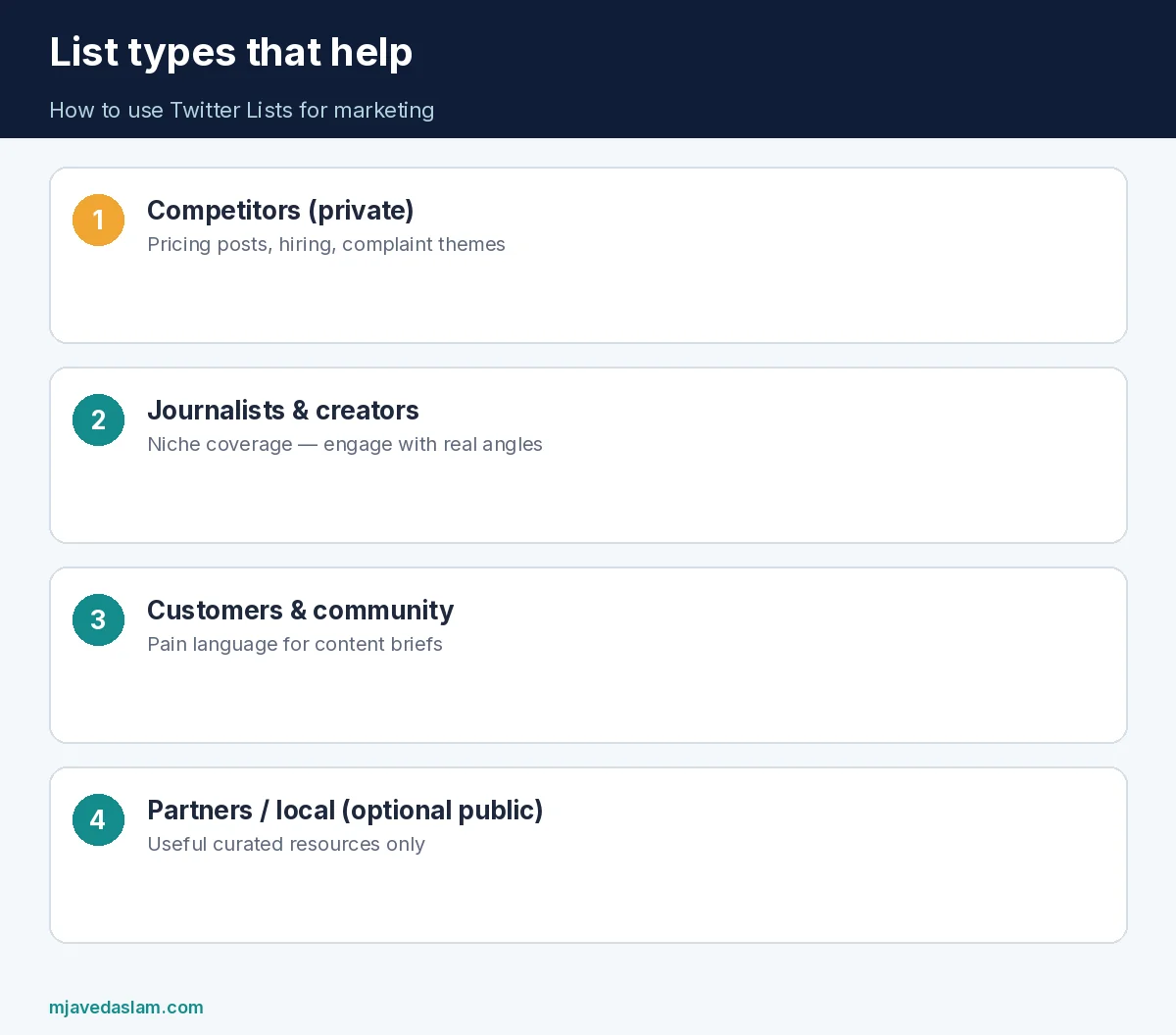
List types that actually help marketers
- Competitors (private): pricing posts, hiring signals, complaint themes — never to copy-paste their jokes.
- Journalists & creators (private or public): people who cover your niche; engage when you have a real angle.
- Customers & community (private): operators who already buy tools like yours; listen for pain language you can turn into content.
- Partners & local businesses (public optional): a “Karachi coffee shops we love” style List can be a soft brand asset if it is truly useful.
- Team radar (private): shared research List your social manager checks before daily posts.
Name Lists so a new hire understands them in three seconds. “List 3” helps no one.
Private vs public (marketing judgment)
API examples for creating Lists include a private flag — the product supports private Lists. For marketing:
- Private when the membership itself is competitive intelligence (prospects, rival execs).
- Public when the List is a gift (best industry analysts, local emergency accounts, event speakers).
Do not build a public “leads we are pitching” List. That is rude and brand-damaging if discovered.
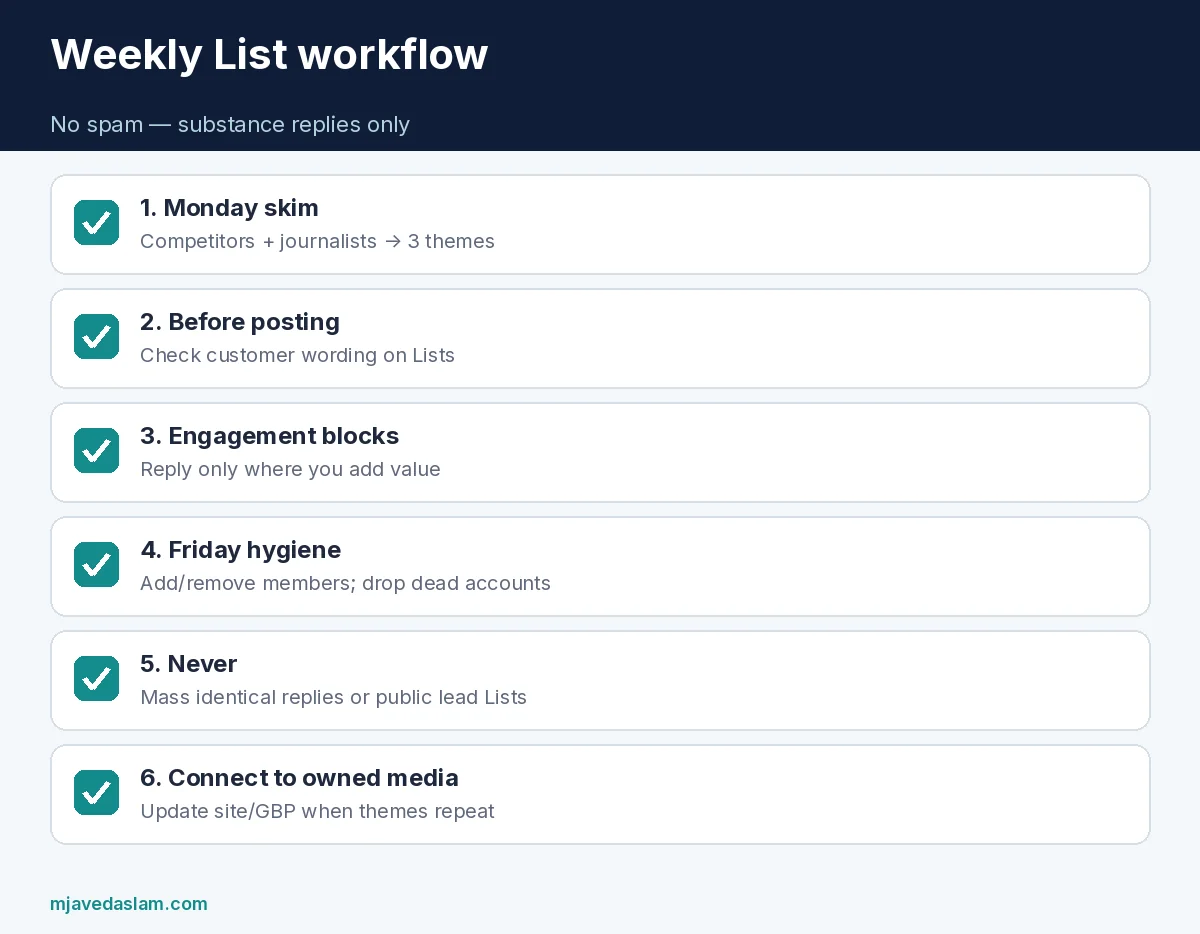
A weekly workflow without spamming
- Monday (20 min): Skim competitor + journalist Lists; note three themes.
- Before each post: Check the customer List for wording people actually use.
- Engagement blocks (15 min × 3): Reply from List timelines only to posts where you add a fact, resource, or genuine question.
- Friday (15 min): Add/remove members; archive dead accounts.
- Never: mass-follow, identical reply spam, or tagging List members into unrelated threads.
Pair Lists with scheduling discipline — how to schedule tweets on X — and with measurement — X Analytics for small business. Pinning a proof post still helps visitors who land on your profile: how to pin a tweet.
Using Lists with the API (optional)
If you manage many brand accounts, X API List endpoints documented on docs.x.com cover creating Lists, updating them, deleting them, following Lists, and managing members. That is for developers with an approved developer account and proper auth — not a requirement for small-business marketers using the website or apps. Do not scrape or automate engagement in ways that violate X rules; membership hygiene automation is the safer automation story.
Common mistakes
- One giant List of 500 mixed accounts — unreadable.
- Public prospect Lists that expose your pipeline.
- Using Lists only to broadcast, never to listen.
- Replying “Interested!” under every customer complaint — looks like spam.
- Ignoring Lists after creating them once in 2022.
- Confusing Lists with Communities or Spaces — different products.
How to use Twitter Lists for marketing well is mostly restraint: fewer Lists, better members, better replies. The For You algorithm will still show noise; Lists are your manual filter.
For local service brands, build a private List of nearby chambers, city accounts, and complementary businesses (not direct rivals you will mute-rage at). When those accounts ask for referrals, you are already in the conversation instead of cold-DMing strangers.
Agencies: maintain a template set of Lists per client vertical, then clone and customize members. Document which Lists are private so contractors do not accidentally flip them public.
If the Lists UI moves (X renames menus often), start from x.com/i/lists or the Lists tab in the app navigation rather than memorizing a 2020 screenshot. Product labels change; the job — curated timelines — does not.
Content ideas that come from Lists (without copying)
When you skim a journalist List and see the same question asked three times in a week, that is a content brief — write the clear explainer on your site, then share a short thread with the link. When customers on your private List complain about slow quotes in your trade, tighten your lead-response SLA and say so publicly once you can prove it. Lists surface language; your brand still has to do the operational work.
Never lift a competitor’s promotional creative and repost it as yours. Use competitor Lists to spot gaps (they never post about financing, warranties, or before/after proof) and fill those gaps with your own proof. That is how to use Twitter Lists for marketing as strategy rather than as a swipe file.
Coordinate with SEO and GBP: if List conversations keep mentioning a service you under-describe on Google, update the services list and a landing page the same week — GBP products and services — so social listening actually changes owned media.
Team rules that prevent spam
- One authentic voice per brand account; no five interns blasting identical replies from List views.
- No purchasing bots to mass-add List members.
- No posting the same promotional reply under every List member’s content.
- Log meaningful conversations in your CRM when a List interaction turns into a lead.
- Review public Lists quarterly for outdated or toxic accounts you would not want associated with your brand.
Free tool comparisons still matter when you need scheduling software — best free X scheduling tools — but no scheduler replaces the judgment of reading a focused List before you hit publish.
Keep how to use Twitter Lists for marketing tied to real business outcomes: meetings booked, support issues caught early, and content briefs pulled from repeated customer phrases — not vanity metrics about List size.
FAQ: how to use Twitter Lists for marketing
Are Twitter Lists still on X?
Yes. Lists remain available in the product; the web Lists area includes x.com/i/lists. Labels can change with app updates.
Should marketing Lists be private or public?
Use private for competitive and prospect research. Use public only when the List is a useful resource you are willing to share.
Can I automate Lists?
X documents List management APIs (create/update/delete, follow, members) for developers. Automate membership carefully and follow platform rules — do not automate spammy replies.
How many Lists do I need?
Start with three to five themed Lists. More Lists only help if you actually open them weekly.
Do Lists boost reach?
X does not publish a ranking guarantee for “using Lists.” Treat them as research and engagement quality tools, not a reach cheat code.
Is this different from scheduling tools?
Yes. Schedulers publish; Lists organize who you listen to. Use both — see free scheduling tools roundup when you need software comparisons.
Practicing how to use Twitter Lists for marketing without spamming means measuring reply quality and lead conversations, not how many accounts you can cram into one List.