How to create Twitter threads that get engagement (on X) is less about a secret algorithm hack and more about a clear hook, one idea per post, readable pacing, and a finish that invites a reply — then scheduling within the free tools you already use so you do not abandon the thread mid-draft.
This guide is for small-business and solo marketers who teach, announce, or break down offers in threads. It is not the scheduling-tool roundup, pin tutorial, Lists playbook, or analytics deep dive.
Need broader social help? services overview.
How to create Twitter threads that get engagement — quick answer
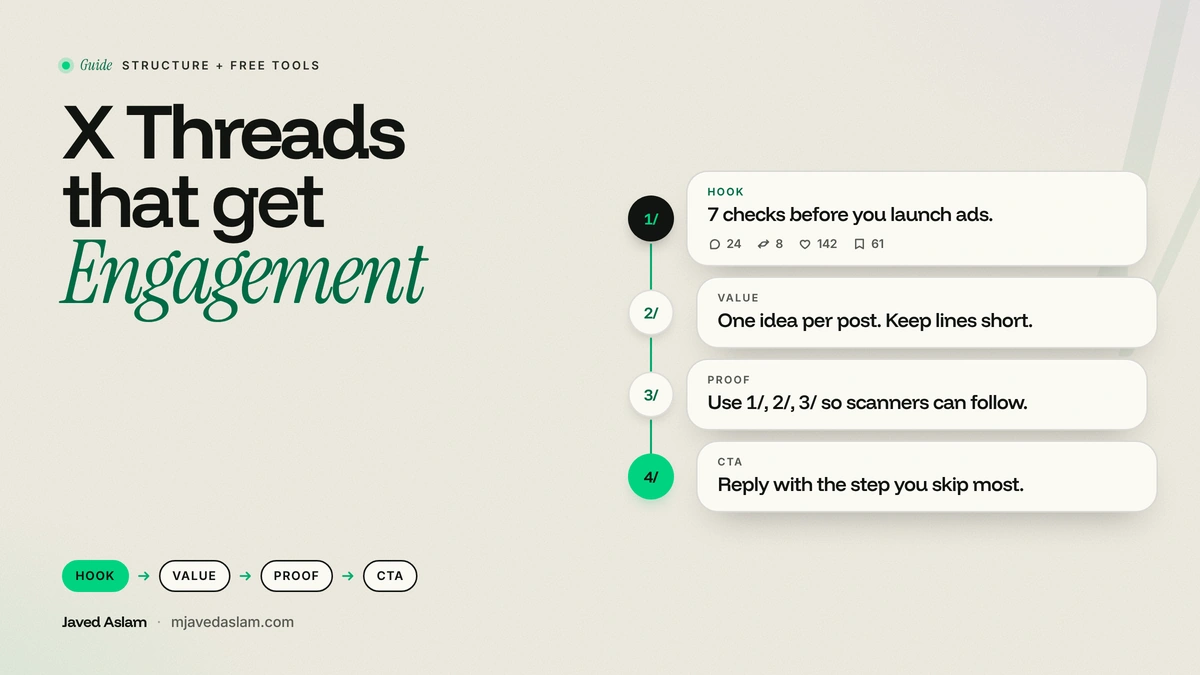
- Write the hook first: specific problem + who it is for + a promise of a finite number of posts (e.g., “7 checks before you launch ads”).
- One idea per post; keep lines short; use a consistent numbering pattern so readers know where they are.
- End with a clear ask (reply with X, bookmark for later, or a single link in the last post — not every post).
- Draft in a notes app or scheduler, then post as a connected thread so replies nest under post 1.
- Reuse winners: turn a strong thread into a blog outline, a pin-worthy summary post, or a List-targeted follow-up — without pasting the same wall of text daily.
X documents character counting for posts (including how certain media and links affect length). Free scheduling options change over time — verify limits in the product you use. I will not invent engagement-rate averages or “viral” guarantees.
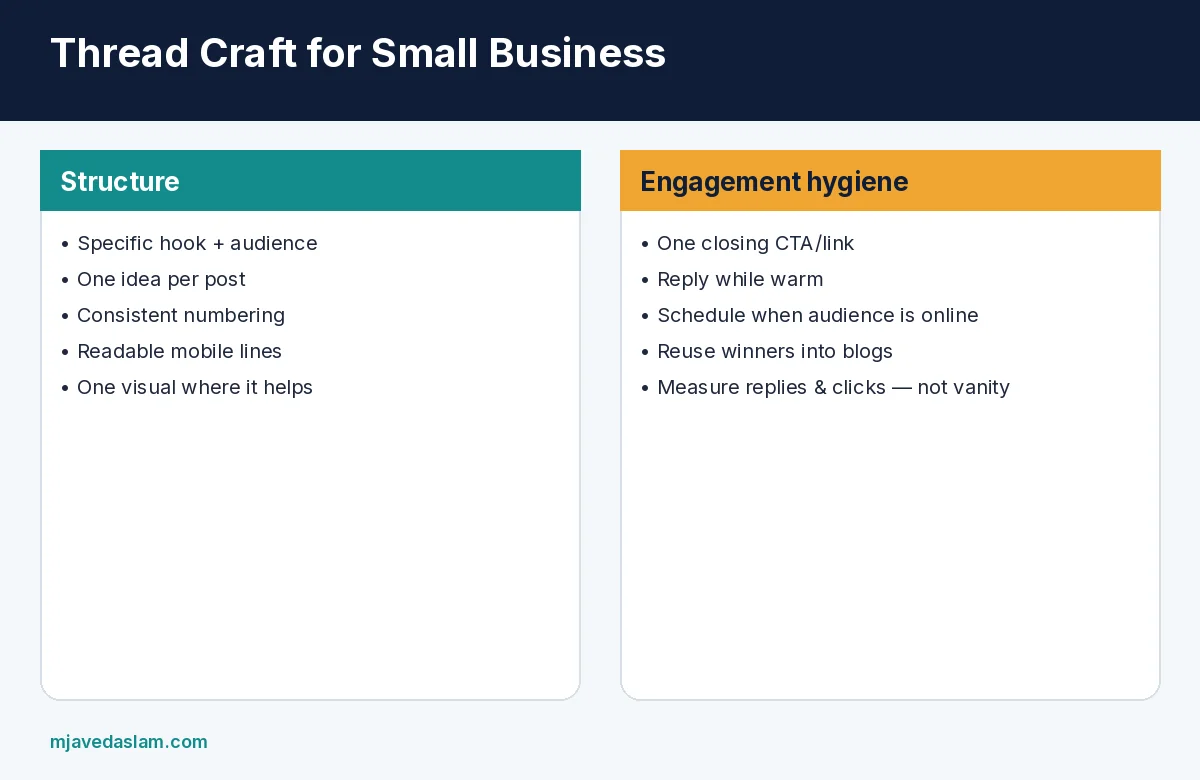
Thread structure that respects how people skim
Think of a thread as a short chapter, not a blog dump:
- Post 1 (hook): outcome + audience + length. No soft “thread incoming…” filler.
- Posts 2–N (meat): one checklist item, myth, or step each. Prefer concrete verbs over slogans.
- Last post (close): summary + CTA. Link once if you must; put the URL at the end so earlier posts stay readable.
Numbering (1/, 2/ or 1. 2.) helps scanners. Emoji can mark sections if they stay scannable — do not decorate every line. For educational SMB threads, screenshots of a settings panel beat vague stock photos; keep text in images large enough to read on mobile.
Character limits and counting rules live in X’s developer/docs materials on counting characters — draft with a counter so a long URL does not silently truncate your CTA. Companion reads on the cluster: how to pin a post on X after a thread lands, and X analytics for small business to see which hooks held attention.
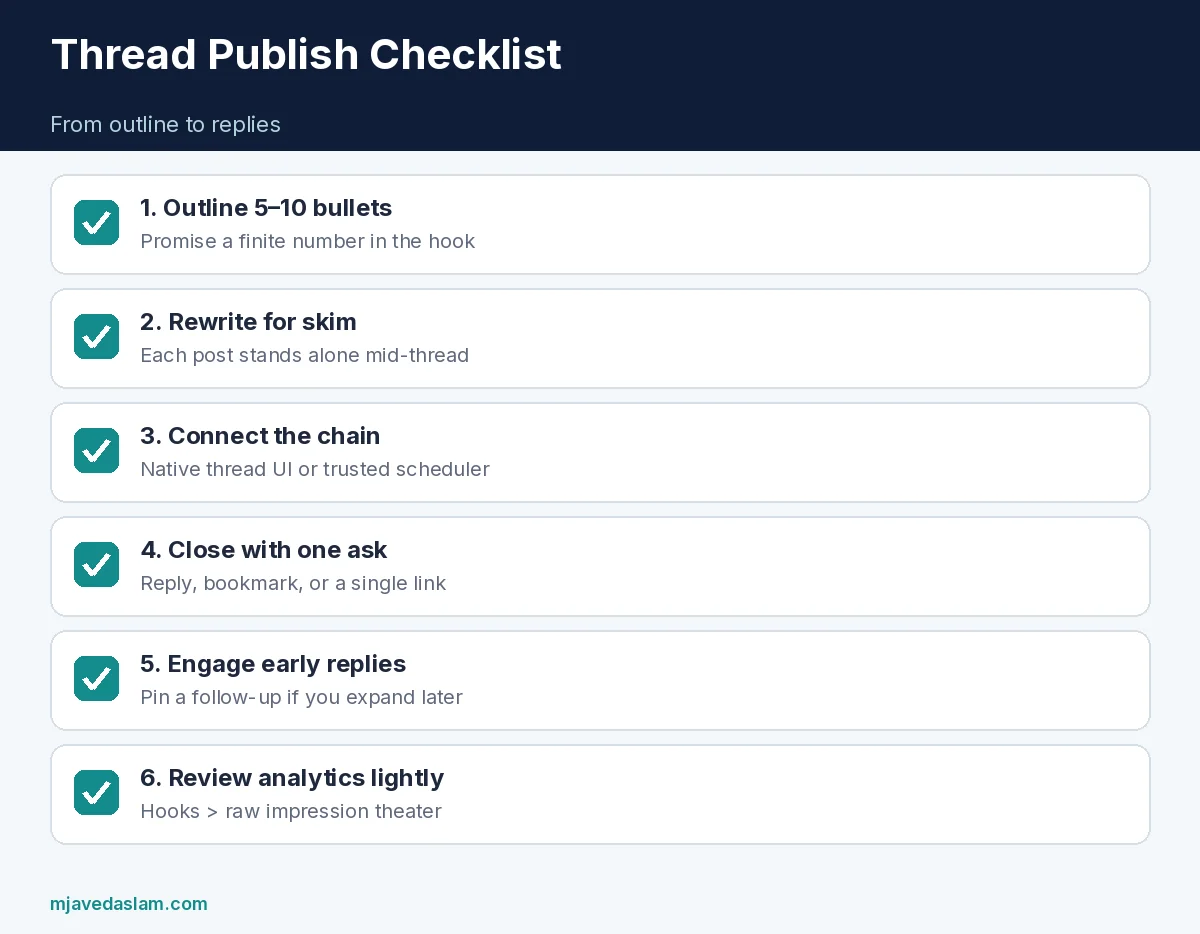
Engagement without fake urgency
Replies, bookmarks, and meaningful quote-posts beat empty “agree?” spam. Practical prompts:
- “Reply with the step you skip most.”
- “Bookmark if you want this checklist before your next launch.”
- “Quote-post your version for [niche].”
Reply to early comments while the thread is warm. Pin a short follow-up that links the full blog if you expand the idea later. Avoid engagement bait that violates platform rules (misleading polls, fake giveaways, or scraped reply-guy loops).
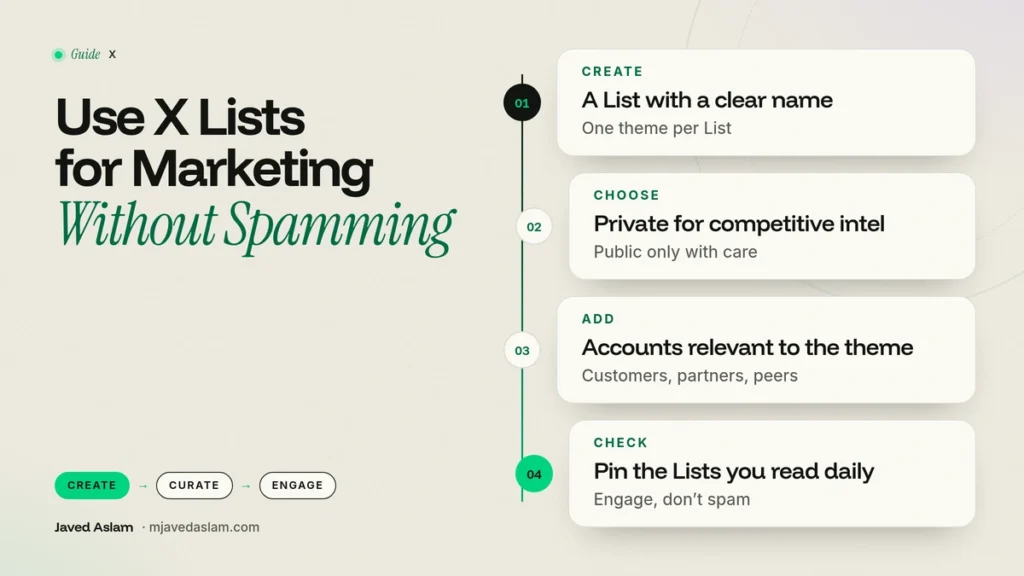
Lists help you listen to peers before you publish: Twitter Lists for marketing. Scheduling so threads go live when your audience is actually online: how to schedule tweets on X and the free-tools overview: best free X scheduling tools.
Drafting and posting workflow (DIY)
- Outline 5–10 bullets offline.
- Rewrite each bullet as a standalone post that still makes sense if someone lands mid-thread.
- Paste into X’s compose thread UI or a scheduler that supports threads; confirm the chain is connected.
- Add one visual on post 1 or on the densest tip — not a carousel of unreadable text slides.
- After publishing, reply to yourself only if you truly forgot a correction — prefer editing the outline next time.
Third-party thread builders come and go; Buffer’s public writing guidance on threads is a useful craft reference even if you post natively. Prefer tools that do not require handing over passwords you cannot revoke.
What to thread about (SMB angles)
- Checklists tied to your service (GBP audit steps, ads launch checks).
- “Mistakes we see” without dunking on named clients.
- Before/after process stories with permission.
- Myth vs fact on a topic you already cover on the blog — then link the deep article once.
Do not turn every blog paragraph into a thread. Compress. If the idea needs tables and screenshots, the blog is primary and the thread is the trailer.
Common thread mistakes
- Hook that only says “a thread 🧵” with no payoff.
- One giant paragraph split arbitrarily across posts.
- Links in every post (looks spammy; burns character budget).
- Posting the same thread weekly with zero updates.
- Ignoring replies while asking for engagement.
- Screenshot walls of unreadably small text.
Light measurement (no vanity theater)
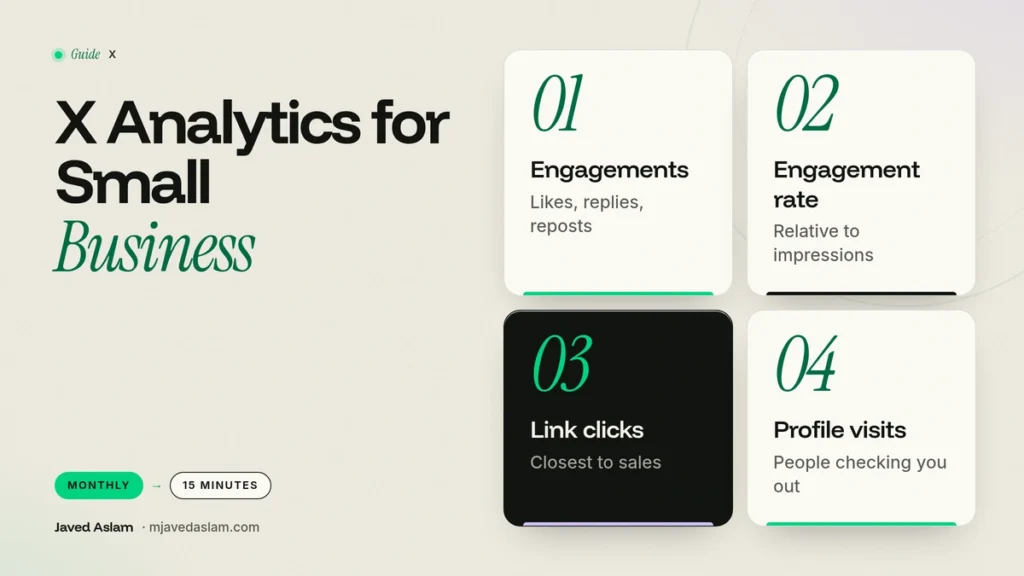
In analytics, compare profile visits, link clicks (if you used one), and reply quality — not just impressions. A quieter thread that books two discovery calls beats a viral dunk that attracts no buyers. Track which hooks you reuse. No fabricated “average engagement rate for threads” here — your niche baseline is the only honest benchmark.
Educational threads pair well with a single pinned summary post that links the full article on your site. The pin tutorial on this site covers placement; the thread itself remains the story engine.
If you sell locally, mention the service area once in the close — not in every post — so nonlocal readers can still learn while nearby readers know you serve them. Soft geographic cues beat spammy city hashtag walls.
When a thread underperforms, change the hook before you change the entire outline. Most failures are post-1 clarity problems: vague audience, vague payoff, or a promise of “everything about marketing” that no finite thread can keep.
Keep a swipe file of your own best hooks and CTAs. Reusing your proven structures is not plagiarism; copying someone else’s thread verbatim is. Add new examples from your client work (with permission) so each publish earns its place in search of your profile archive.
Threads that teach a checklist often convert better when the last post offers a downloadable or blog version for people who hate reading on mobile. That is a service to the reader, not a bait-and-switch, as long as the thread already delivered the core steps.
Coordinate with blogging cadence: one strong thread per major article is enough. Daily thread spam trains followers to mute you. Quality over calendar fill — the same rule as local service-area pages.
For teams, assign one owner to reply duty for the first hour after publish. Unanswered questions in the first replies kill the momentum the hook created. A simple internal Slack/email alert when the thread goes live is enough ops process for most SMBs.
FAQ: how to create Twitter threads that get engagement
01How long should an X thread be?
Long enough to finish the promise in the hook — often 5–12 posts for SMB education. Longer is fine if each post earns its place; shorter is better than filler.
02Should every post include a link?
Usually no. One link in the closing post (or a reply) keeps the reading experience clean.
03Can I schedule threads for free?
Native and third-party free tiers change. Check current limits in X and in tools you trust; see the free scheduling tools article on this site for options to evaluate.
04Do threads still work in 2026?
Threads remain a native storytelling format on X. Performance depends on topic, hook, and audience — there is no universal viral formula.
05Should I delete underperforming threads?
Optional. Prefer learning from the hook and rewriting later. Keep threads that still help new followers who find your profile.
06How is this different from a long single post?
Threads pace ideas and invite mid-thread replies; a single long post is better for one tight announcement. Choose based on the content shape.
Want help tying threads to a broader content system? Start at services or the SEO cluster at SEO services.

✳Written by
Javed Aslam
Digital marketer, copywriter and SEO specialist. I help small businesses get found, read and chosen. More about me.